My workflow with AI changed so much over the past few months that I postponed writing this article multiple times… but now is the time to do it! Not because my ways of working got stable, but because I think having a snapshot of what I was doing would be fun to revisit in a few years. Also, I feel like it is a realistic approach and we need more articles like this when it comes to working with AI.
The Risk of Eroding Skills
Airplanes, ORMs & Garbage Collection
When looking at AI for developers, I’m often reminded of this episode of 99% invisible which you probably already know about. This is a story about a plane crash, and what happened when the automated system flying the plane suddenly shut off. At that point the pilots were left confused and unable to fly their own plane, causing the catastrophe.
“We appear to be locked into a cycle in which automation begets the erosion of skills or the lack of skills in the first place and this then begets more automation.”
In the software world, it would be somewhat similar to:
- ORMs removing the need for a deep understanding of SQL, creating problems once you run into a complex performance issue
- Garbage collectors making memory management so easy that developers are lost when facing a memory leak
Post-COVID Remote Work
The current situation also reminds me in some ways of post-covid remote work. Everyone suddenly started working from home, and it mostly went surprisingly well and everyone assumed that remote work was just simpler than we thought.
However, we collectively underestimated the benefits of having teams already in place. Once time passed, it became clear that it was much harder to create brand new teams with people fully distributed. Not impossible, just way harder than taking existing, performing teams, and making them remote.
Right now, senior engineers are used to writing code, and therefore have the required skills to review AI-generated PRs effectively. Just like previously co-located teams, they rely on something created in a different environment.
But how can we retain our skills to make sure it stays this way in the future? What happens to newcomers that never got a chance to develop those skills just because there was no alternative?
I don’t have all the answers, but I started doing a few things that I feel are helping me. For the record, I’m currently working as both a solo builder and a startup coach… so, while there can still be takeaways, this approach is not made with large teams in mind.
My Current Approach
Planning
I use Claude’s planning capabilities a lot, but I often do a draft myself which I don’t provide to Claude at first. This way I can see if I forgot something and if Claude’s approach makes sense. It forces me to think deeply about what I’m about to build, but also have early feedback on my plan.
Tooling
I 100% vibe code my own productivity tools and quick prototypes living on my machine. I don’t look at the code, I don’t care.
However, I aim at building small, focused pieces of software to keep context under control and be able to drop and recreate one if it gets too messy.
Production
For code shipped to production, I have a different approach.
First, I will review 100% of the code generated by AI going to production. This is because I want to understand what’s going on, but also make sure that I can jump in at any time and make adjustments.
Next, I aim at writing code manually ~50% of the time. The exact number is not important, but I think that it needs to be significant enough to have an impact. Doing this helps me retain my coding skills. When I do write code, I use LLMs like an improved Stack Overflow or Google. This means that I won’t let an agent update the code, and rely on old-timey text editors.
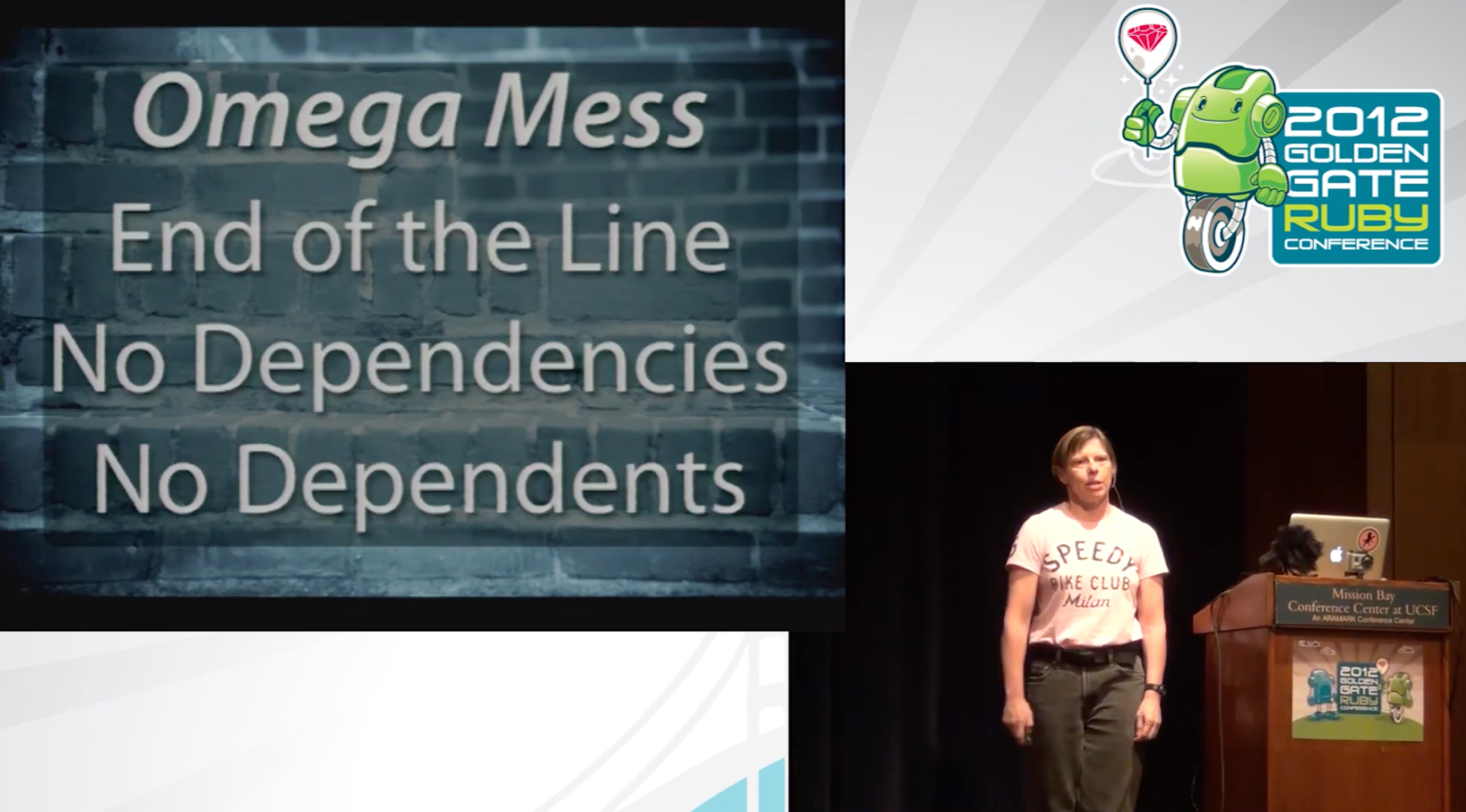
Then, I use Claude Code to write what Sandi Metz defined as Omega Messes, meaning something that is well isolated from the rest of the codebase and that I can extensively test. This way I have a better control over the impact it will have on my codebase, while being able to leverage the very high speed of development.
I will also code alongside Claude for many specific use cases. I’d write some code and have Claude complete part of it, fix an issue or add an entire component.
Thinking
I’m saving a lot of time with tools like Claude Code. I’m not able to exactly quantify it, but I wouldn’t be shocked if it turned out I was 5x faster when writing code. The sure thing is that I find myself more often thinking “ok now what should I work on” than before!
So the obvious question is what to do with all that extra time! At first I ended up just building even more features in a frenzy. Looking back, I don’t think it was bringing much value to end users… and it was for sure bringing a lot of stress to me!
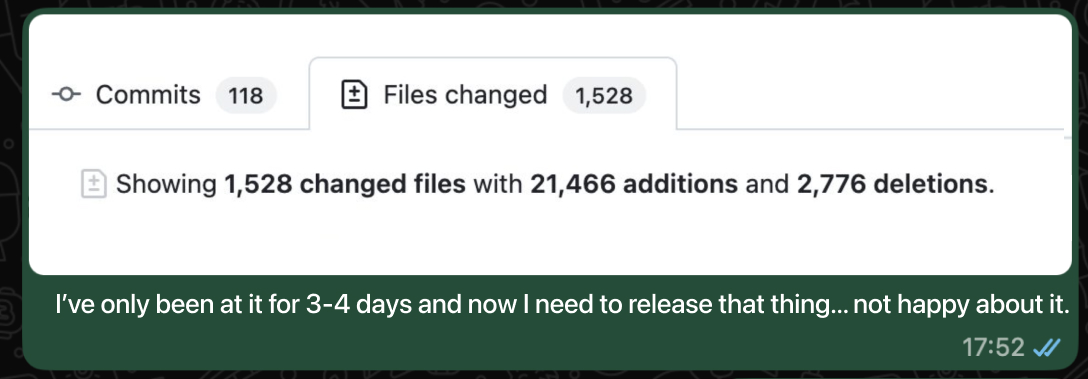
As it turned out, I’d rather spend a few hours pondering ideas than rushing to build the first thing that came to mind.
So now I use the time saved to think about what to create and take more “breaks” from actively building. I would just go walk around the neighbourhood to clear my mind and find the next step. After a while doing this, I feel more creative and I stopped shipping for the sake of shipping. When I build something, it’s because it’s going to be useful, not because it was quick to do.
A Concrete Example
I recently released an update to my boxing app to provide a brand new “pro” voice for the virtual boxing coach. If you’re curious and want to better understand what it does, you can look at this video.
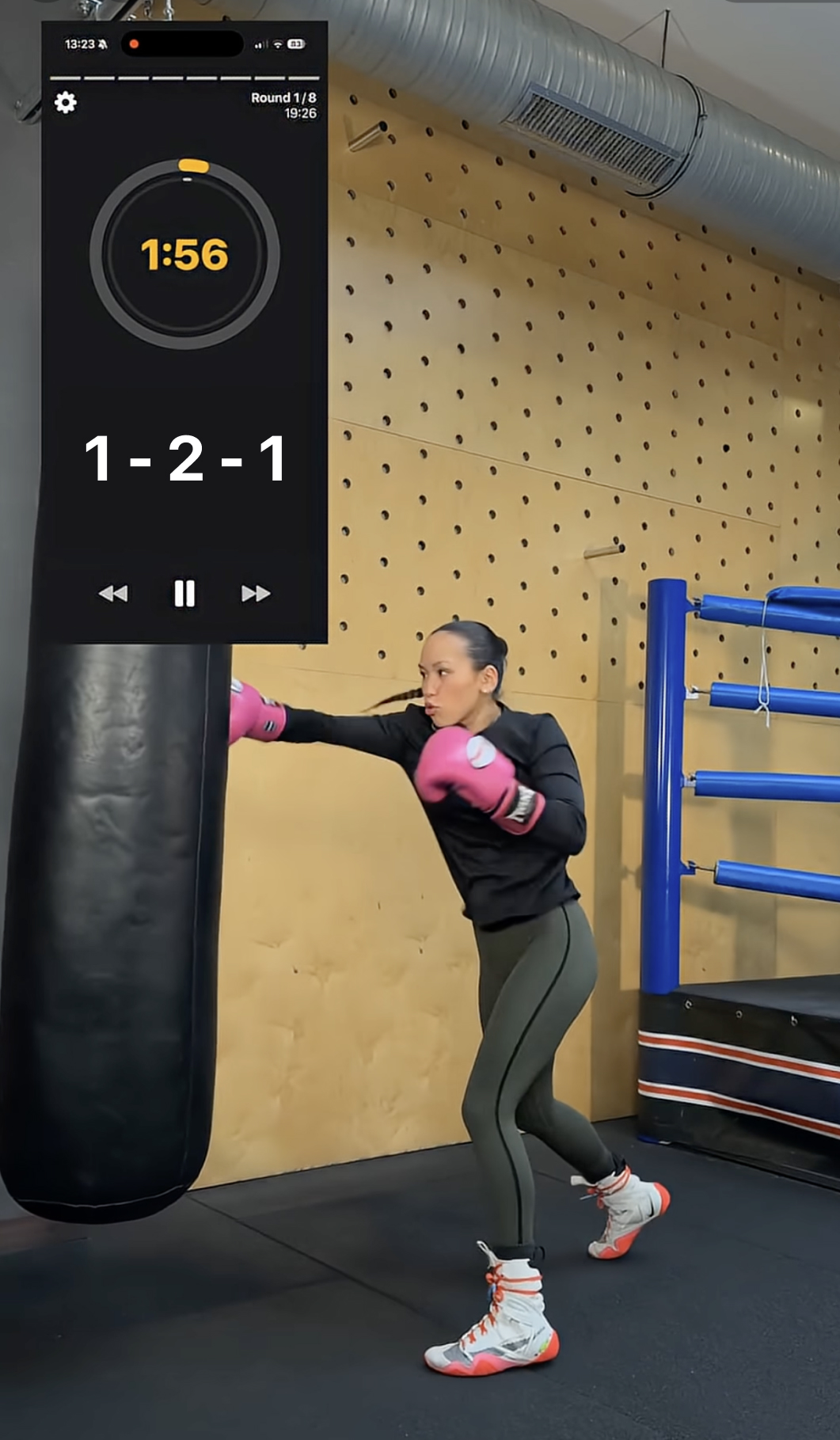
At that point I was relying on Apple’s Speech Synthesis framework, but this framework was not getting any love. The voice sounded more and more outdated and users complained.
To get it to work, I needed to:
- generate thousands of voice lines as MP3s, and then embed them in the app
- make sure to read those MP3s correctly and quickly
- handle graceful degradation when MP3s were not available, mainly in the case of user generated content
- have a way to activate / deactivate the feature based on users’ preferences
- gate part of the feature behind a paywall
- keep the old text to speech module working correctly as a fallback and for those who prefer it
The feature is already a bit of work, but on top of that I needed it to integrate with my 5-year-old codebase that heavily relied on the simplicity of the Speech Synthesis framework. Stuff like that was all over the place:
speak("Hello " + (condition ? "world" : ", welcome back"))
Here, you can’t just chain 2 mp3s one after the other, it sounds terrible. You need to generate the two options, “Hello world” and “Hello, welcome back”… and this is just one of the numerous legacy issues.
Getting Started
I built a plan on my own, then got Claude to build its plan as well. I spent some time iterating over it.
From there I didn’t ask agents to just execute the entire plan, instead I split it into steps and went step by step as I’ll describe in the next section.
Vibe Coding the Tooling
A big part of the project was generating MP3s that I would later embed in the app. This would happen outside of the production app, so I don’t really mind the code quality nor the stability.
- I vibe coded a tool to integrate with ElevenLabs API and generate MP3s. I then made it customisable via a bunch of config files, so that I could control how it behaved without having to touch the code itself.
- I vibe coded a tool to take those MP3s and run them through different steps. For instance, reduce their sizes, remove silences, speed up some and so on. Think about running a lot of ffmpeg commands depending on many conditions.
- I vibe coded a tool to test the MP3s for consistency, pronunciation and more.
Handling the Legacy
I manually fixed a few legacy issues ( speak()) and tested the app as I went to make sure it was still working.
This helped me understand the main edge cases and get a feel for how I wanted the new APIs to look. Here’s an example from the small niceties I ended up adding:
// Before: only one way to speak
speak(sentence: "sentence1")
speak(sentence: "sentence1." + "sentence2.")

// After: possible to pass an array
speak("sentence1")
speak(["sentence1", "sentence2"])
In my opinion, spending time working directly on the code allows me to be more efficient when reviewing, and make sure that the codebase remains in a style that I both understand and enjoy.
Once I felt like I got a good grasp on the change, I then asked Claude to complete the rest of the modifications across the whole codebase. The good thing is that I could provide a few examples, and then I was able to review it very quickly because it was so close to what I did myself.
Playing MP3s
First of all, it’s worth noting that playing MP3s is somewhat different from Apple’s text to speech (TTS).
The whole thing has many edge cases making the development complicated. For instance, should your text-to-speech be interrupted or not by switching sound source? How do you manage latency with a bluetooth device? What about AirPlay, which is kind of like Bluetooth but actually not at all? What if you’re interrupted by Siri? By a phone call? What about a phone call sent to voicemail, which is different for some reason?
You get my point.
To handle this, I extracted the old TTS logic and added a new AudioManager layer. I made sure the previous logic was still working, and then I added a new ProVoiceManager where my new logic would go. At that point, I just asked Claude to build it entirely, making sure to handle all the edge cases.
Then, I just reviewed and tested the generated code.
Every now and then, I’d run into a configuration choice I didn’t understand, so I’d ask Claude to explain and cite sources so that I can look into the documentation when relevant.
Adding the UI
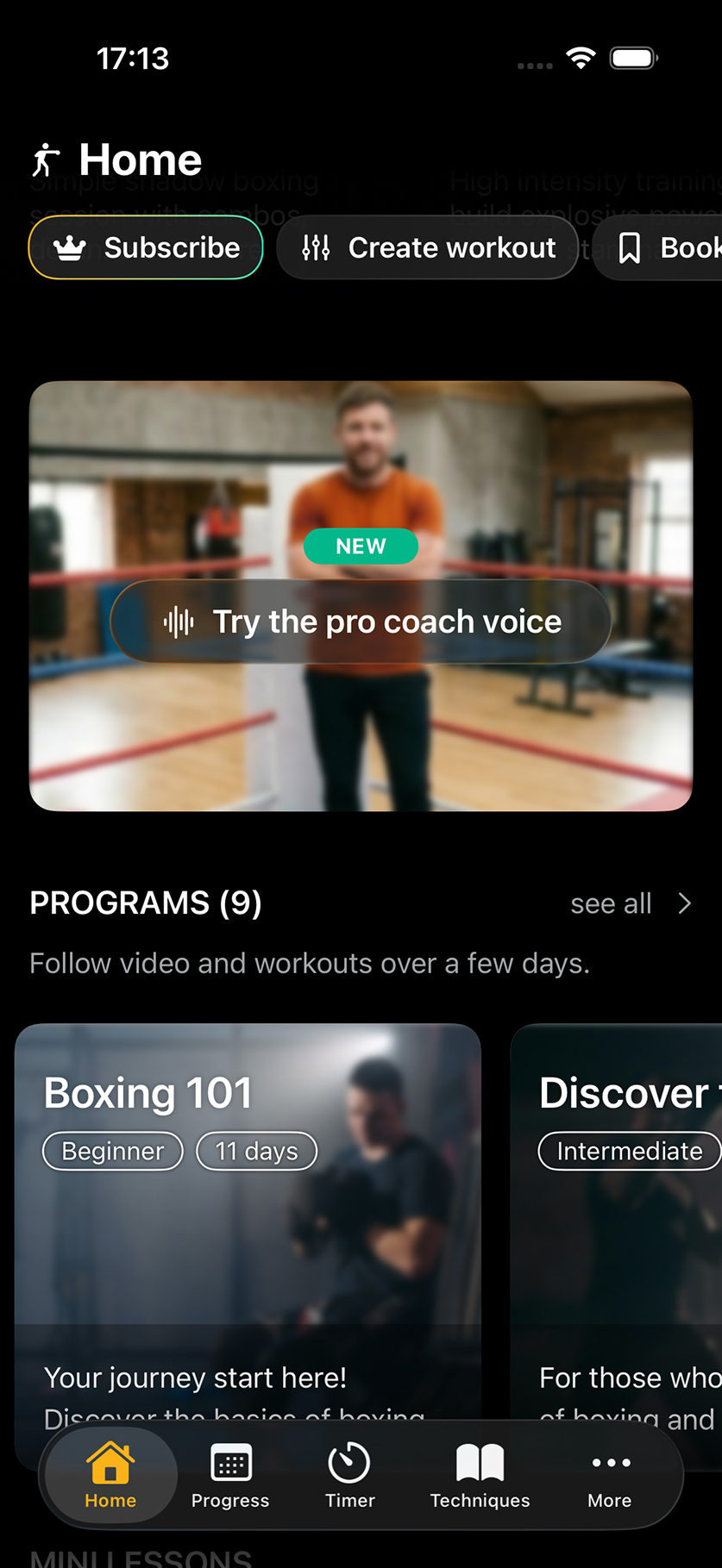
At that point everything works, but I need some UI to showcase the new feature, let users configure it and so on. Since I already have a solid library of components, I’m almost as fast coding as I’d be prompting, so I just code it myself.
… and everything else
I’m not mentioning every single small thing I had to do, like updating dependencies, adding tracking and so on. Just know that there was a bit more to the feature!
Reviewing and Releasing
I did review code at each step, but now I want to double check everything before releasing. To do this I have a /prepare_release Claude skill that will run through different checks ranging from quality to stability.
Since this is a significant change, impacting the core experience of the app, I let a couple of days pass doing other things and sporadically testing the app. This allowed me to think more about the possible impact of such a release and find a few straggling bugs.
Then, I finally released the feature to production and spent time between marketing the update and monitoring it.
Conclusion
This approach, mixing vibe coding, “manual” coding and AI-assisted coding allowed me to be really fast and release something that would have taken me weeks before in just a couple of days. However, I still got to practice my coding skills and I understood all code that was added to my production codebase.
Now that I’ve been following those guidelines, I feel more confident in what I’m shipping, and overall less stressed. I am moving slower than before when I embraced the chaos of having multiple agents going crazy, but I think that, while I’m producing less code, I’m releasing more value.
And with 98.84% uptime at the time of writing this, I often get opportunities to test if I can still write code without Claude!
Since you scrolled this far, you might be interested in some other things I wrote: